Documentation
Collaboration

How to share a Claude Code session with your team

Three different asks hide behind that sentence: read a finished conversation, watch a running one, or make every session visible by default. What Anthropic ships, what Lore does, and where codecast fits.

There are three different things people mean by "share a session", and they have different answers. You want a teammate to read a conversation that already finished. You want someone to watch a session that is running right now. Or you want the whole team's sessions to be visible by default, without anyone deciding to share each one. Work out which one you need first, because the tool that does one badly does another well.

Read a finished conversation

Claude Code has this built in, for sessions that ran in the cloud. Sessions at claude.ai/code carry a visibility toggle: on Team and Enterprise accounts the choice is Private or Team, which makes the session visible to your claude.ai organization; on Pro and Max it is Private or Public, and public means any user signed in to claude.ai can open it. You then send the link. Anthropic's documentation is explicit that the recipient sees the latest state when they open it, and their view does not update live.

Two limits decide whether this covers you. Claude Code on the web is in research preview, for Pro, Max and Team accounts, and for Enterprise accounts with premium seats or Chat and Claude Code seats. And the session has to be a cloud session to appear in that list at all. From the CLI the handoff is one way: --teleport pulls a cloud session down to your terminal, and there is no flag that pushes an ordinary terminal session up to the web. The Desktop app's Continue in menu can send a local session to the web, so that is the route if you started in your terminal. Check a session for credentials before you make it public; on Pro and Max, repository access verification is off unless you turn it on under Settings, Claude Code, Sharing settings.

Lore is a dedicated tool for this. You install it as a plugin (claude plugin marketplace add loredotlink/lore-plugin) and run /lore:share inside Claude Code or Cowork, or $lore:share in Codex; it also supports Amp. A thread can be private, visible to your workspace, or public, and a public thread opens without an account. If your need is exactly "turn this conversation into a link a colleague can read", it is the shortest path and it covers agents beyond Claude Code.

Watch a session that is running

Neither of the above does this. Remote Control is Anthropic's answer: run claude --rc, or /rc inside a session, and the session becomes reachable from claude.ai/code and the Claude mobile app. Execution stays on your machine, and you can answer permission prompts from your phone. It is available on all plans, though on Team and Enterprise an Owner has to turn on the Remote Control toggle in the Claude Code admin settings first.

Remote Control is a live connection to one session, not a record of it. When you want both, see Codecast vs Claude Code Remote Control.
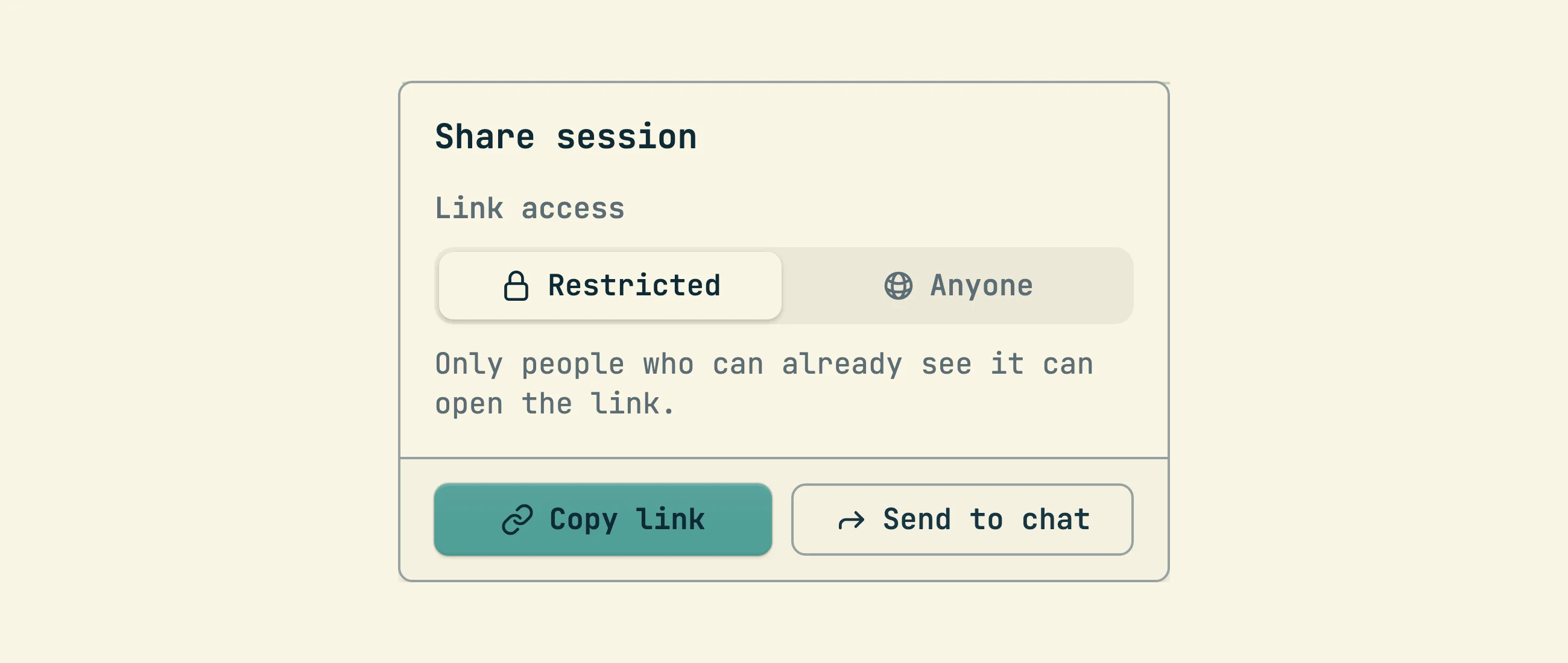
Make every session visible without sharing anything

This is what codecast does, and it is a different model rather than a better link. Every supported agent already writes its conversation to disk: Claude Code keeps history files under ~/.claude/projects/, and Codex, Cursor and Gemini keep their own. The codecast daemon watches those files and syncs each conversation as it happens, so nobody decides to share a session and nobody remembers to start anything:

curl -fsSL https://codecast.sh/install | sh
cast login

From then on codecast.sh/feed shows every session the team can see, across machines and across those four agents, and codecast.sh/inbox sorts the same sessions by who has to act next. Visibility is set per directory rather than per session, so ~/src/product can be visible to your team while ~/personal stays private, on the same account and the same daemon. Individual links still exist when you want one: a conversation or a single message can be shared by link, the same way you would send a Lore thread.

The reason to record everything rather than share on demand is what it makes possible afterwards. cast search "auth refactor" searches every past session on the team; cast ask "how did we fix the flaky deploy?" asks a question across that history; cast blame src/api.ts:120 traces a line of code back to the conversation that wrote it. Your agents get the same access, so a new session can consult what a teammate's agent already worked out. See Agent memory.

Choosing

Use Anthropic's built in sharing if you work in Claude Code on the web and want to send one finished session to a colleague, with nothing to install. Use Lore if you want a dedicated sharing tool for individual conversations and want Codex, Cowork or Amp covered too. Use Remote Control when the session is still running and you want to steer it from your phone. Use codecast when the problem is not any single link, but that your team's sessions are scattered across terminals and machines and none of them survive as something you can search later.

They are not exclusive. Remote Control sessions and sessions started from the Desktop app are ordinary Claude Code sessions on your machine, so a codecast daemon records them like any other.

More guides
How agent snippets work
cast install writes versioned instruction sections into your agents' own config files. This is the mechanism every other guide builds on.
Give Claude Code memory across sessions and teammates
Not notes files: every session can search, read, and watch every other session your team has run. The commands, the scopes, and how agents use them.
Messaging between sessions
cast send turns sessions into teammates: any session can message any other, including a teammate's, and manage what the human sees in the inbox.
Ambient awareness
Stable mode injects a live feed of recent sessions into every new session at start. Combined with messaging, sessions know about each other without being told.
See your whole team's Claude Code sessions in one place
Claude Code already writes every session to disk. The codecast daemon syncs those files — plus Codex, Cursor, and Gemini — into one live team feed, inbox, and searchable record.
Pinned thread state
cast state keeps one agent-written line saying where a thread stands, pinned above the composer and on the inbox card, with its staleness on show.
Forks and spawned sessions
cast fork branches a conversation N ways; cast spawn starts fresh sessions. Both land in the inbox as work the human owns.
Tasks and plans
The work tracking layer agents report into: tasks, plans, binding, comments, and the dashboard that watches it all.
Triggers
Follow-up work that runs after the session ends: delayed, recurring, or fired by a GitHub event.
Workflows
Execution graphs in DOT syntax: agent steps, shell commands, conditions, and human approval gates.
Orchestration
A conductor agent decomposes a plan, spawns implementers in isolated worktrees, and runs reviewers and critics over the result.
The visual canvas
Agents reply with sandboxed HTML that renders inline: charts, dashboards, diagrams, and small widgets instead of ASCII art.
Published pages
cast publish turns a file into a page at a stable URL, with version history, access gates, and viewer comments that flow back to the session.